
Email Verification API: Real-Time & Bulk
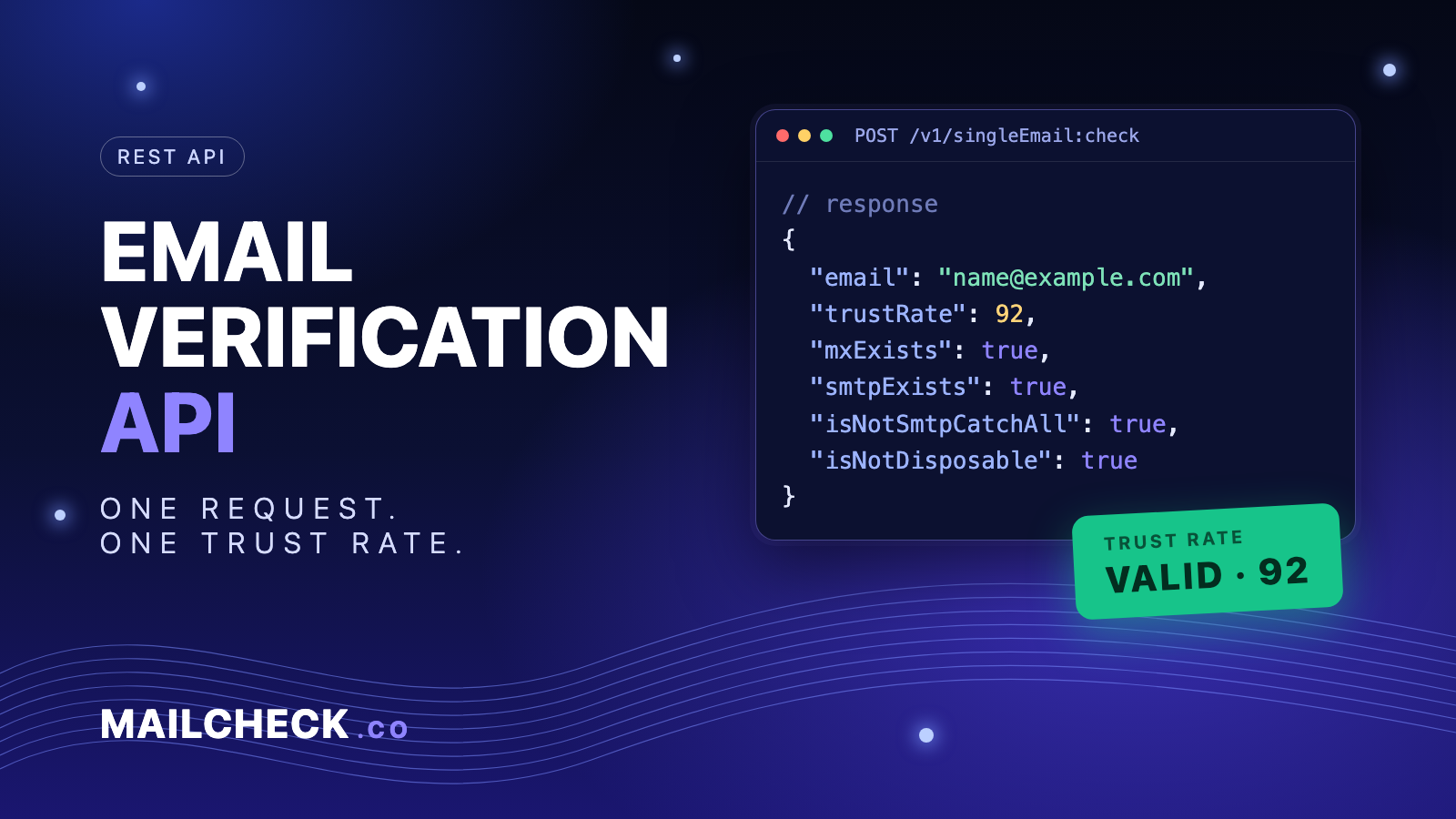
Verify any email address with one API call. Send an address to the Mailcheck.co API and get back whether the domain accepts mail, whether the mailbox exists, whether it is a disposable or catch-all address, and a trust rate from 0 to 100. Use it on sign-up forms, in your CRM or before a campaign.
What the API returns
| Field | Meaning |
|---|---|
email |
The address you checked |
trustRate |
Integer 0-100. 80-100 valid, 50-79 risky, below 50 invalid |
mxExists |
The domain has mail servers |
smtpExists |
The mailbox answered the SMTP check |
isNotSmtpCatchAll |
false means the server accepts any address, so the mailbox cannot be confirmed |
isNotDisposable |
false means a temporary or disposable address |
Where available, the response also includes public profile signals found for the address (the API reference lists the fields, for example Gravatar, GitHub and Facebook profile data). See the API reference for every field.
Looking for an API to send email? Mailcheck.co does not send email, it checks whether addresses are real. For sending APIs, read What is an email API.
Check one email
POST https://api.mailcheck.co/v1/singleEmail:check returns the result synchronously. Authenticate with your API key as a Bearer token.
curl
curl -X POST https://api.mailcheck.co/v1/singleEmail:check \
  -H "Authorization: Bearer YOUR_API_KEY" \
  -H "Content-Type: application/json" \
  -d '{"email": "name@example.com"}'
JavaScript (Node 18+, save as .mjs or wrap in an async function)
const res = await fetch("https://api.mailcheck.co/v1/singleEmail:check", {
  method: "POST",
  headers: {
    "Authorization": `Bearer ${process.env.MAILCHECK_API_KEY}`,
    "Content-Type": "application/json",
  },
  body: JSON.stringify({ email: "name@example.com" }),
});
if (!res.ok) throw new Error(`Mailcheck API error: ${res.status}`);
const result = await res.json();
console.log(result.trustRate, result.isNotDisposable);
Python
import os, requests

r = requests.post(
    "https://api.mailcheck.co/v1/singleEmail:check",
    headers={"Authorization": f"Bearer {os.environ['MAILCHECK_API_KEY']}"},
    json={"email": "name@example.com"},
    timeout=10,
)
r.raise_for_status()
result = r.json()
print(result["trustRate"], result["isNotDisposable"])
PHP
$ch = curl_init("https://api.mailcheck.co/v1/singleEmail:check");
curl_setopt_array($ch, [
    CURLOPT_POST => true,
    CURLOPT_HTTPHEADER => [
        "Authorization: Bearer " . getenv("MAILCHECK_API_KEY"),
        "Content-Type: application/json",
    ],
    CURLOPT_POSTFIELDS => json_encode(["email" => "name@example.com"]),
    CURLOPT_RETURNTRANSFER => true,
    CURLOPT_TIMEOUT => 10,
]);
$body = curl_exec($ch);
if (curl_getinfo($ch, CURLINFO_HTTP_CODE) !== 200) {
    throw new Exception("Mailcheck API error");
}
$result = json_decode($body, true);
echo $result["trustRate"];
Example response:
{
  "email": "name@example.com",
  "trustRate": 90,
  "mxExists": true,
  "smtpExists": true,
  "isNotSmtpCatchAll": true,
  "isNotDisposable": true
}
Check a whole list
For lists, create a batch operation: POST https://api.mailcheck.co/v1/emails:check with a list of addresses.
{ "emails": ["a@example.com", "b@example.com"] }
The call returns an operation object. Poll it with GET https://api.mailcheck.co/v1/emails/, using the name value exactly as returned, until done is true. While it runs, metadata.processedCount and metadata.totalCount show progress, and metadata.freeLimitReached is true if the free limit was hit. When the operation is done, result.response.url is the link to the results file; if it failed, result.error holds a code and a message. GET https://api.mailcheck.co/v1/emails/operations lists your operations (paginated with page_size and page_token; use nextPageToken to get the next page).
Python: create a batch and wait for it
import os, time, requests

BASE = "https://api.mailcheck.co"
HEADERS = {"Authorization": f"Bearer {os.environ['MAILCHECK_API_KEY']}"}

r = requests.post(f"/v1/emails:check", headers=HEADERS,
                  json={"emails": ["a@example.com", "b@example.com"]}, timeout=30)
r.raise_for_status()
op = r.json()

while not op.get("done"):
    time.sleep(5)
    r = requests.get(f"/v1/emails/{op['name']}", headers=HEADERS, timeout=30)
    r.raise_for_status()
    op = r.json()

result = op["result"]
print(result.get("error") or result["response"]["url"])
Use bulk checks to clean a list before a campaign.
Using the result on a sign-up form
- 80-100 (valid): accept the address.
- 50-79 (risky, for example a catch-all domain): accept it, but send a confirmation email first.
- Below 50 (invalid) or disposable: ask the user for another address.
- Do not block sign-ups if the API is slow or unreachable. Set a short timeout, and if the call fails let the user through, then verify the address in the background.
- Call the API from your server, never from browser code, so your key stays private.
What teams use it for
- Stop invalid and disposable addresses at registration.
- Clean a list before a campaign to lower bounces and protect sender reputation.
- Verify addresses in outreach tools. Mailcheck.co works with Zapier, Make, n8n, Woodpecker, SendGrid, Mailchimp, ActiveCampaign and MailerLite.
- Casinos and gambling brands use verification to cut fake and throwaway sign-ups. See the King Billy case study and the guide to email marketing for gambling.
Free trial and pricing
Verify 10 emails free without adding a payment method; add a payment method to raise the trial to 100. See the pricing plans for paid plans. Create your API key in the dashboard and read the full API docs.
FAQ
What does the trust rate mean?
The trust rate is a score from 0 to 100 that shows how likely an email address is to be valid. 80-100 is valid, 50-79 is risky, and anything below 50 is invalid.
Can the API verify addresses on catch-all domains?
It flags them. A catch-all server accepts every address, so the mailbox itself cannot be confirmed. The API returns isNotSmtpCatchAll: false for these addresses, and you can treat them as risky.
Where does the verification data come from?
Mailcheck.co takes data from public sources, system search, social networks, and open databases available online, combined with checks of the mail server.
Is there a free plan for the API?
You can verify 10 emails for free without adding a payment method, and up to 100 emails after adding one.
Is this an API for sending email?
No. Mailcheck.co verifies addresses; it does not send email. Use it before you send, with the email service you already have.